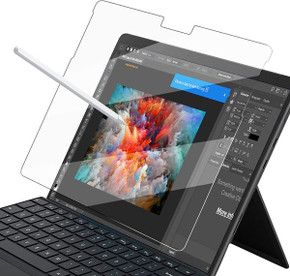
Zoom the image with the mouse
Share:
Microsoft Surface Pro 12-Inch (1st Edition) Paperfeel Screen Protector – Write and Draw Like on Paper
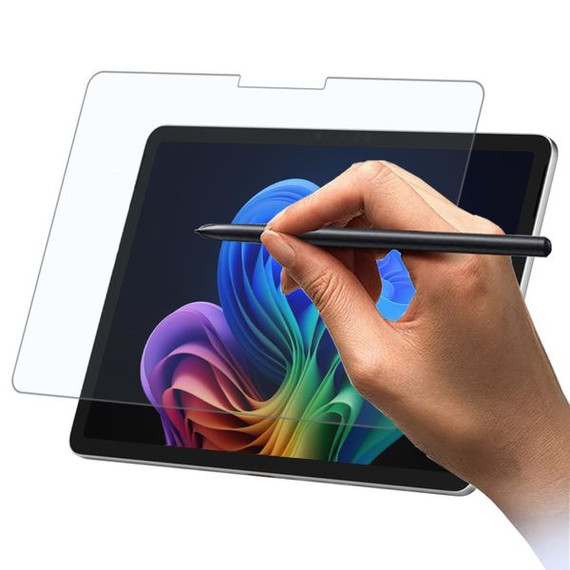
Transform your Microsoft Surface Pro 12-Inch (1st Edition) into a paper-like experience with the Paperfeel Screen Protector, designed to enhance your writing and drawing precision. This screen protector mimics the tactile feel of paper, making it easier and more comfortable to take notes, create art, or write with a stylus. With improved precision and legibility, it’s perfect for students, professionals, and artists seeking a true-to-paper experience in a digital environment.
Made specifically for the Microsoft Surface Pro 12-Inch (1st Edition) (model number EP2-27668), this protector provides excellent stylus compatibility while protecting your screen from scratches and smudges.
Key Features
1. Compatibility
- Specially designed for the Microsoft Surface Pro 12-Inch (1st Edition).
- Compatible with model number EP2-27668.
2. True Paper Feel
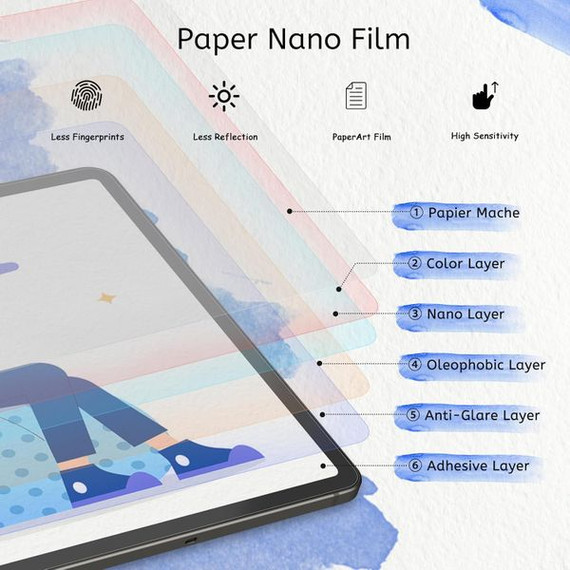
- Write and Draw Like on Paper: The unique texture simulates the feel of writing and drawing on actual paper.
- Improved Precision: Enhanced accuracy while drawing and sketching with your stylus pen.
- More Legible Handwriting: Makes note-taking more effortless and readable.
- Better Endurance: Reduces hand fatigue during long sessions of writing or drawing.
3. Screen Protection
- Shields your tablet screen from scratches, dust, and smudges while maintaining clarity and functionality.
Installation Guide
Ensure a bubble-free and smooth application by following these steps:
Step 1: Use the Wet (Alcohol) Wipe to clean your tablet screen thoroughly.
Step 2: Use the Dry Wipe to remove any excess alcohol and moisture from the screen.
Step 3: Use the Dust Absorber Sticker to eliminate any dust or hair left on the screen.
Step 4: Peel off one end of the protective layer marked with “(1)”. DO NOT remove the entire layer at once.
Step 5: Align the screen protector with the screen. Gradually peel off the protective layer while applying the screen protector, ensuring no bubbles form. Use the Squeeze Card to push out any air bubbles during the process.
Step 6: Peel off the second protective layer marked with “(2)”.
Step 7: Use the Squeeze Card again to remove any residual bubbles for a smooth finish.
What’s Included?
- 1 x Microsoft Surface Pro 12-Inch (1st Edition) Paperfeel Screen Protector.
- 1 x Wet (Alcohol) Wipe.
- 1 x Dry Wipe.
- 1 x Dust Absorber Sticker.
- 1 x Squeeze Card.
Why Choose the Paperfeel Screen Protector for Microsoft Surface Pro 12-Inch?
- Enhanced Writing Experience: Mimics the sensation of writing on paper, making note-taking and drawing more natural.
- Improved Comfort: Reduces hand fatigue during extended writing or sketching sessions.
- Durable Screen Protection: Shields your tablet from scratches and everyday wear.
- Easy Installation: Comes with all the necessary tools for a bubble-free application.
- Stylus-Friendly: Optimized for seamless stylus usage, ensuring smooth and precise interactions.
Frequently Asked Questions (FAQs)
1. Is this screen protector compatible with other Microsoft Surface models?
No, this screen protector is specifically designed for the Microsoft Surface Pro 12-Inch (1st Edition) (model number EP2-27668) and may not fit other Surface models.
2. Does this screen protector affect the stylus functionality?
No, the Paperfeel Screen Protector is optimized for stylus use, providing enhanced precision and a natural writing experience.
3. Will the screen protector affect the display clarity?
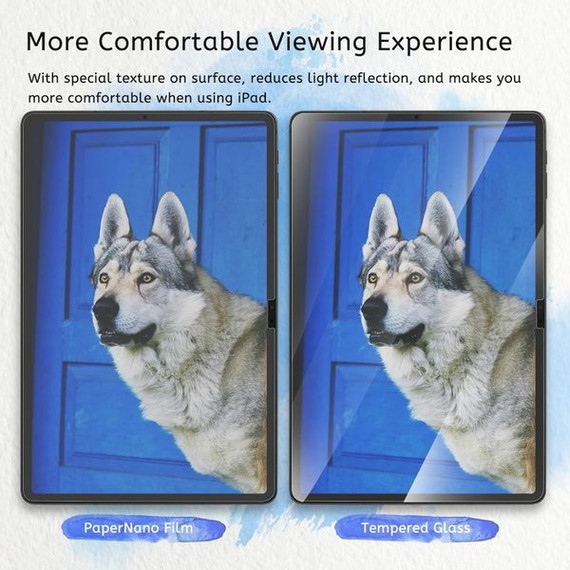
The screen protector is designed to maintain a balance between the paper-like texture and screen clarity. While the paper-feel surface may slightly reduce screen brightness, it enhances usability for writing and drawing.
4. Can I remove and reapply the screen protector?
The screen protector is designed for single-use application. Removing and reapplying it may affect its adhesive properties and result in bubbles or reduced functionality.
5. Does the screen protector protect against scratches?
Yes, the Paperfeel Screen Protector provides reliable protection against scratches, dust, and smudges, keeping your tablet screen in great condition.
6. Does the package include the tablet?
No, the package includes only the Paperfeel Screen Protector and the installation accessories. The tablet is not included.
Related Products